Feature
Try Gemini in Android Studio
Gemini in Android Studio is an AI assistant that helps you generate code, fix code, and answer questions about Android app development.

Product depth
These capabilities map to how professional Android teams work: fast iteration on UI, predictable builds, confident refactors, and runtime insight that ties issues back to code.
Latest
Highlights from recent Android Studio releases. Scan the cards, then watch the short clips.
Feature
Gemini in Android Studio is an AI assistant that helps you generate code, fix code, and answer questions about Android app development.
Feature
Android Device Streaming lets you run apps on real devices, directly from Android Studio, to help you make sure your app works great across different screen sizes, OEMs, and Android versions.
Product
Design, develop, build, test, and publish with tooling that stays aligned from first layout ideas through store ready bundles.
Design
Compose previews, animation inspection, and interactive modes reduce the need to redeploy for every UI tweak. The editor aligns with composable structure so you can jump between preview parameters and source quickly.
Develop
Kotlin and Java editing includes smart completion, inline hints, intention actions, and refactorings that understand Android components. Navigation bridges XML, Kotlin, and Gradle files so you spend less time hunting symbols.
Build
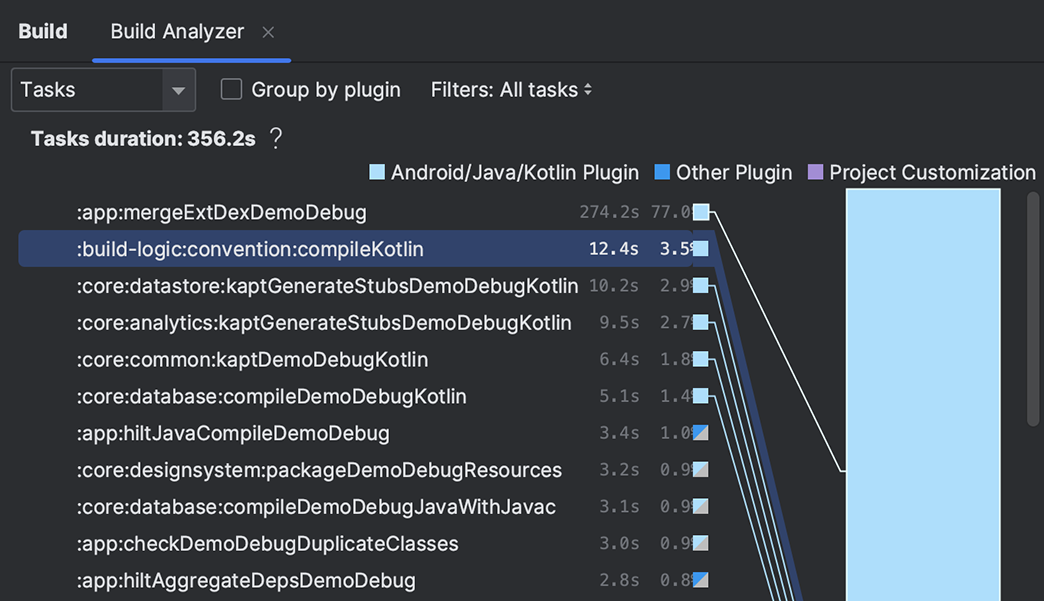
Android Studio treats Gradle as a first class citizen: sync diagnostics, dependency graphs, and variant awareness across modules. Build scans and task timelines help you find configuration work and redundant work at scale.
Test
Virtual devices cover common phone sizes, tablets, and foldables. Quick boot snapshots and GPU modes keep iteration snappy on capable workstations.
Publish
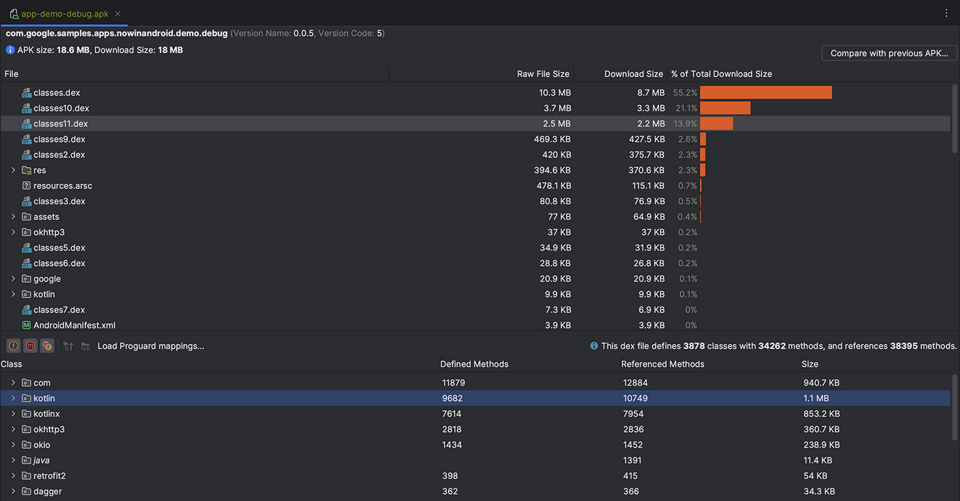
APK Analyzer visualizes packaged content so you can compare builds and chase down dex and resource regressions before they reach users. Inspect manifest files, resources, and DEX files across app versions.
Gallery
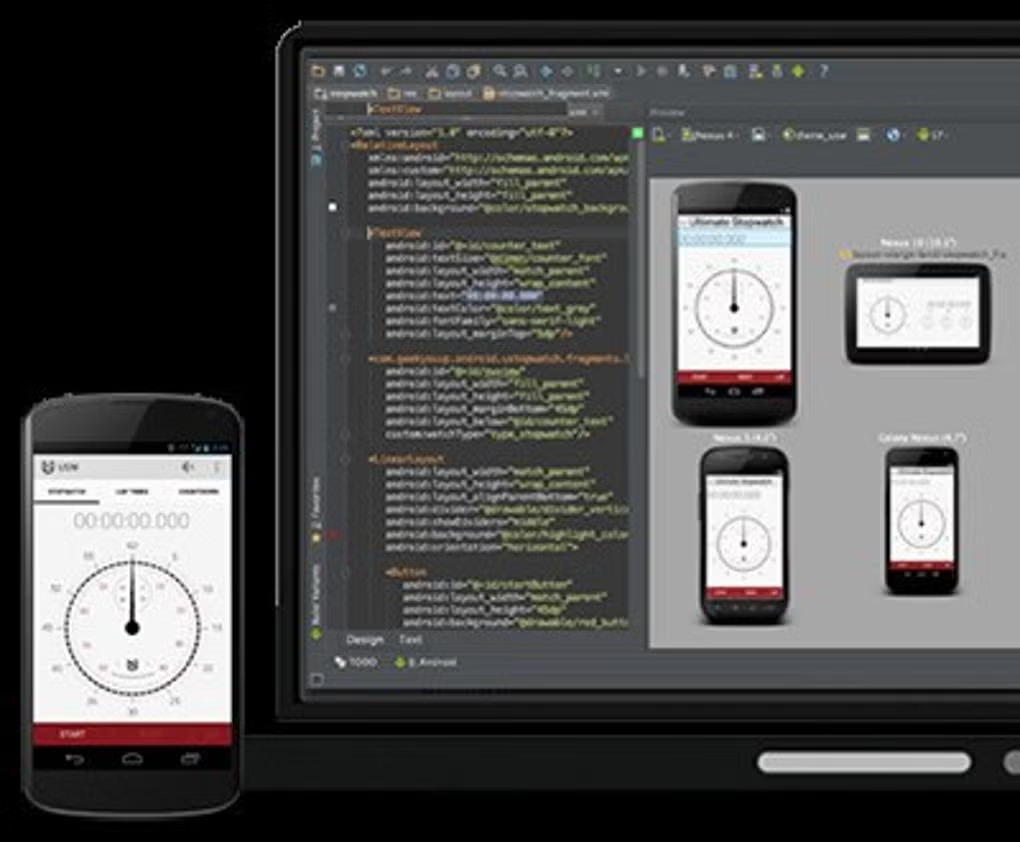
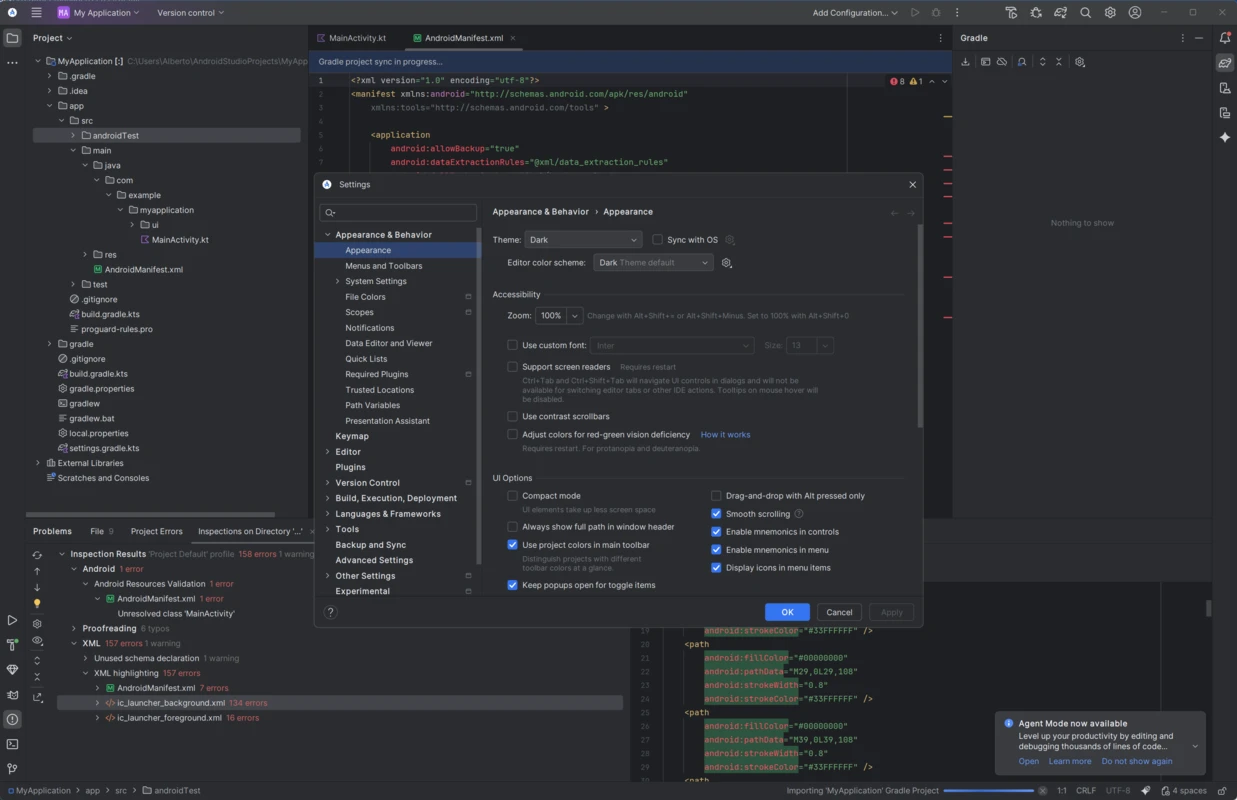
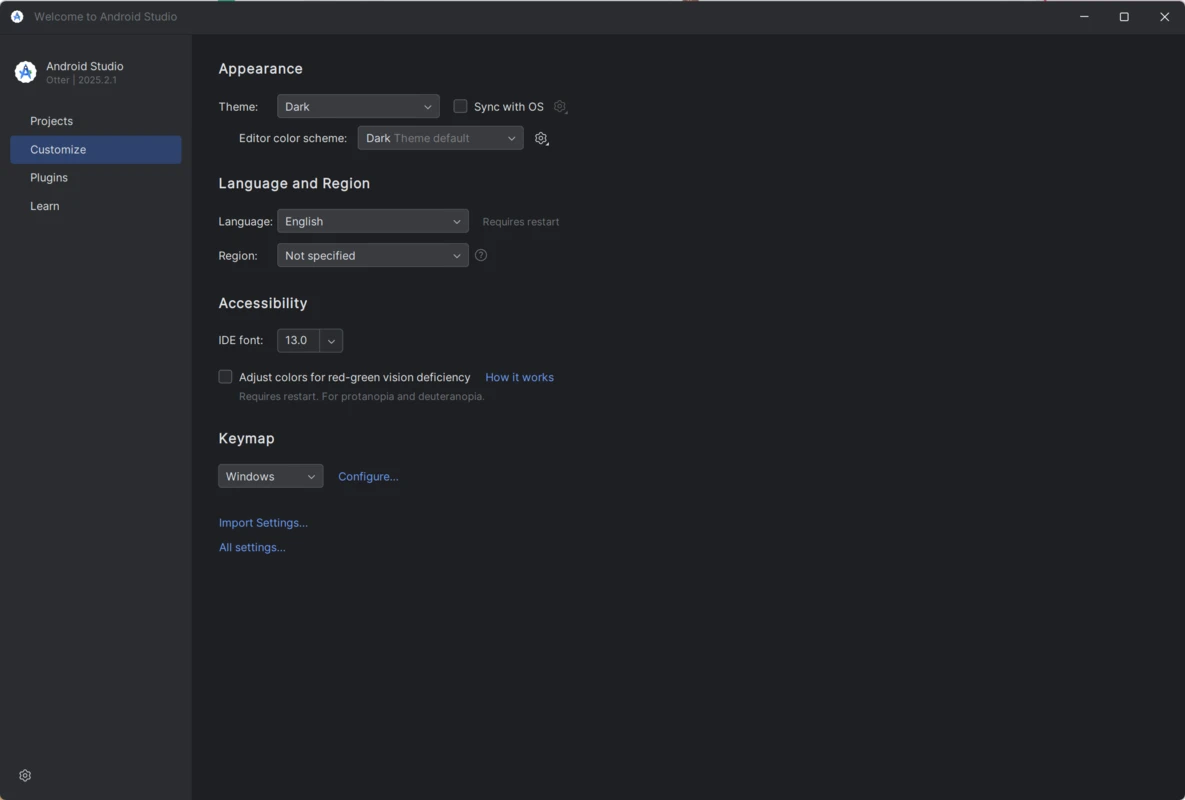
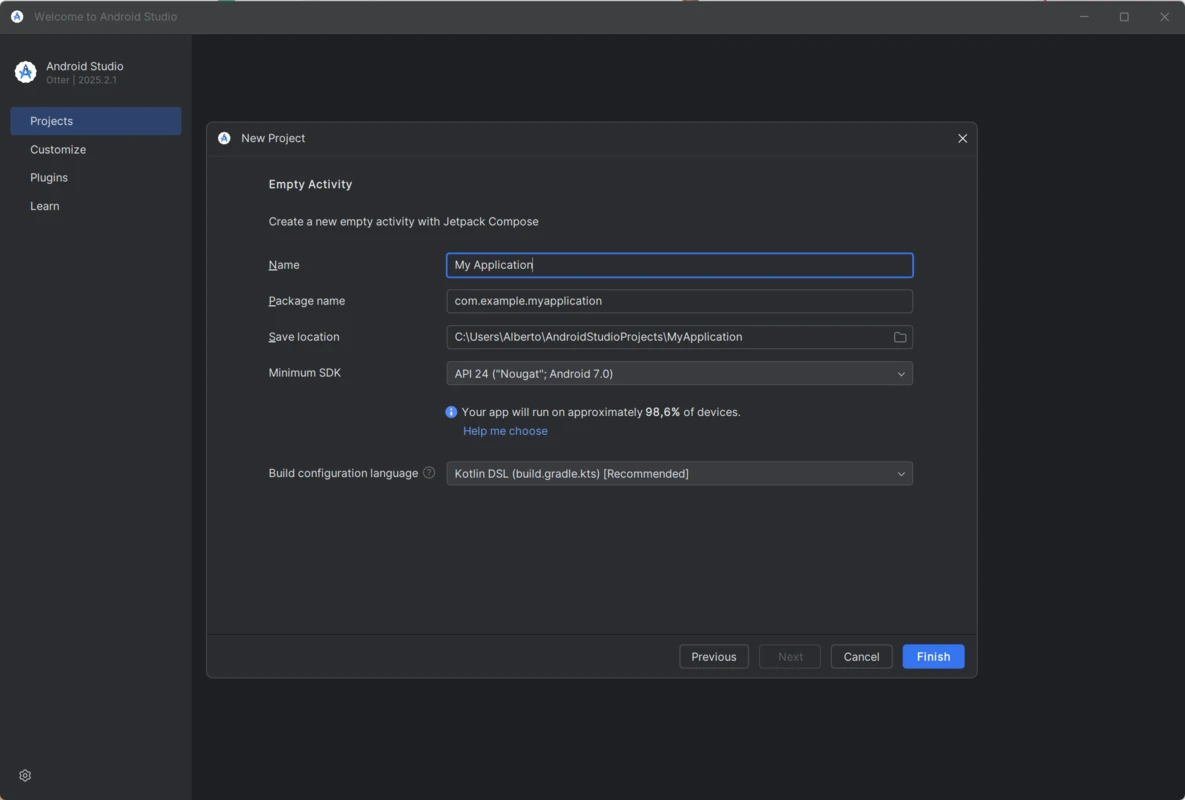
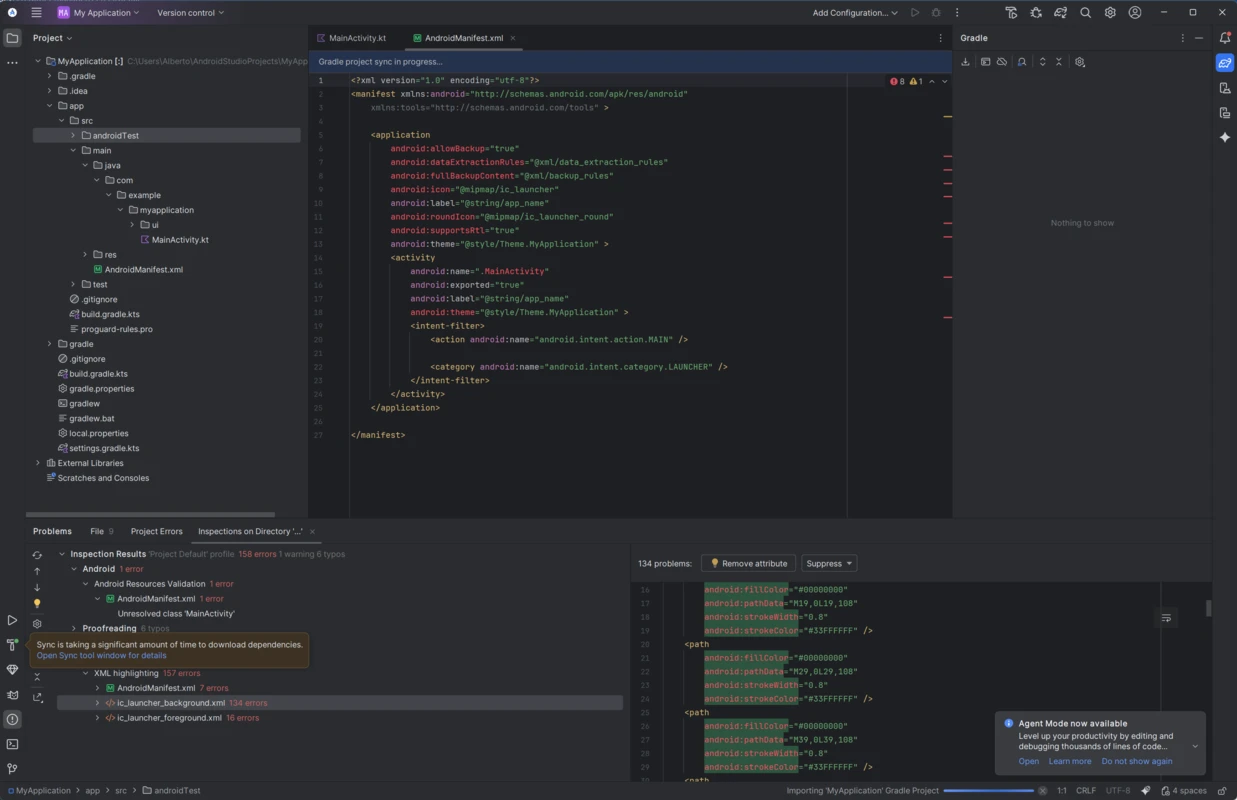
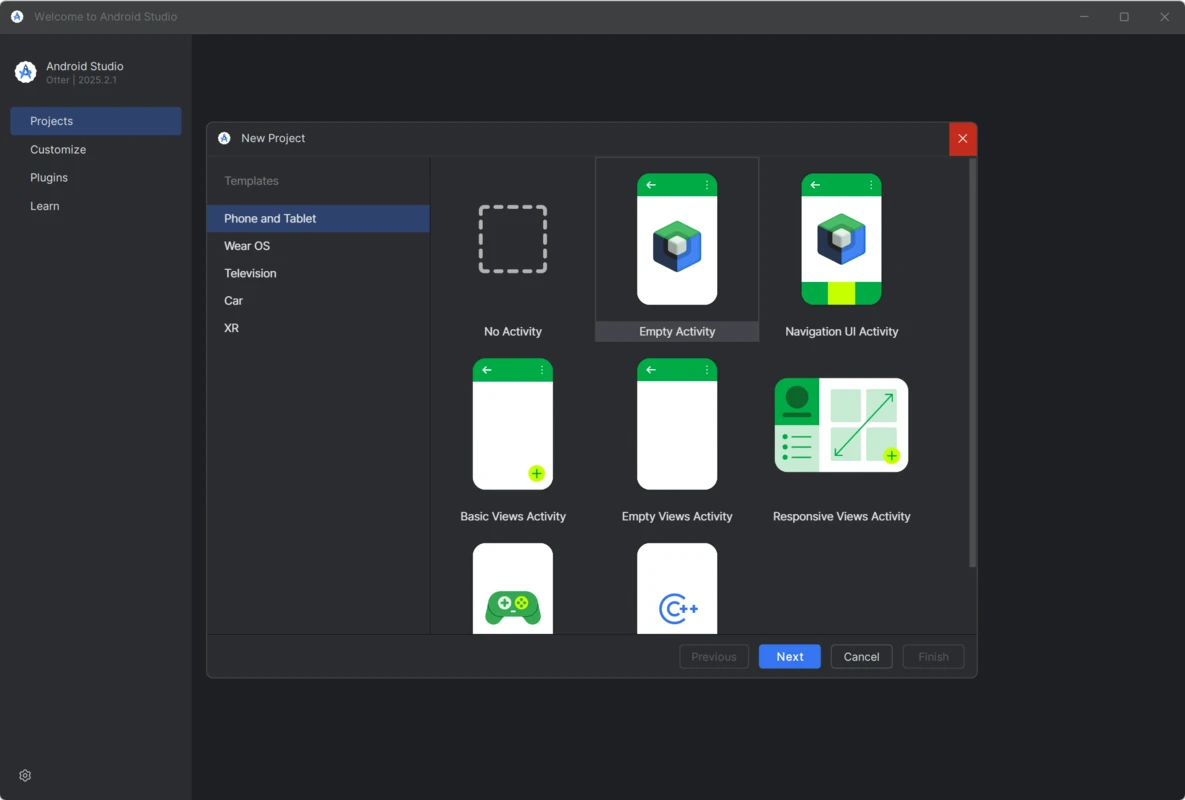
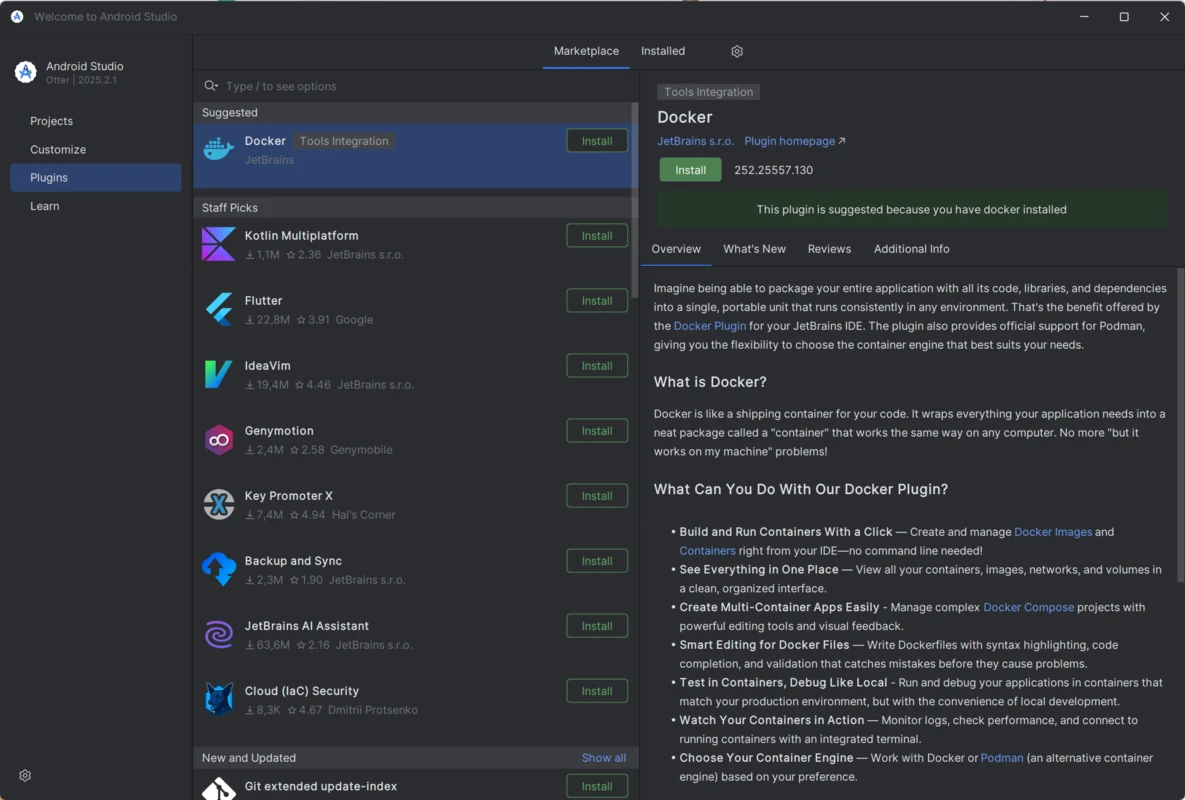
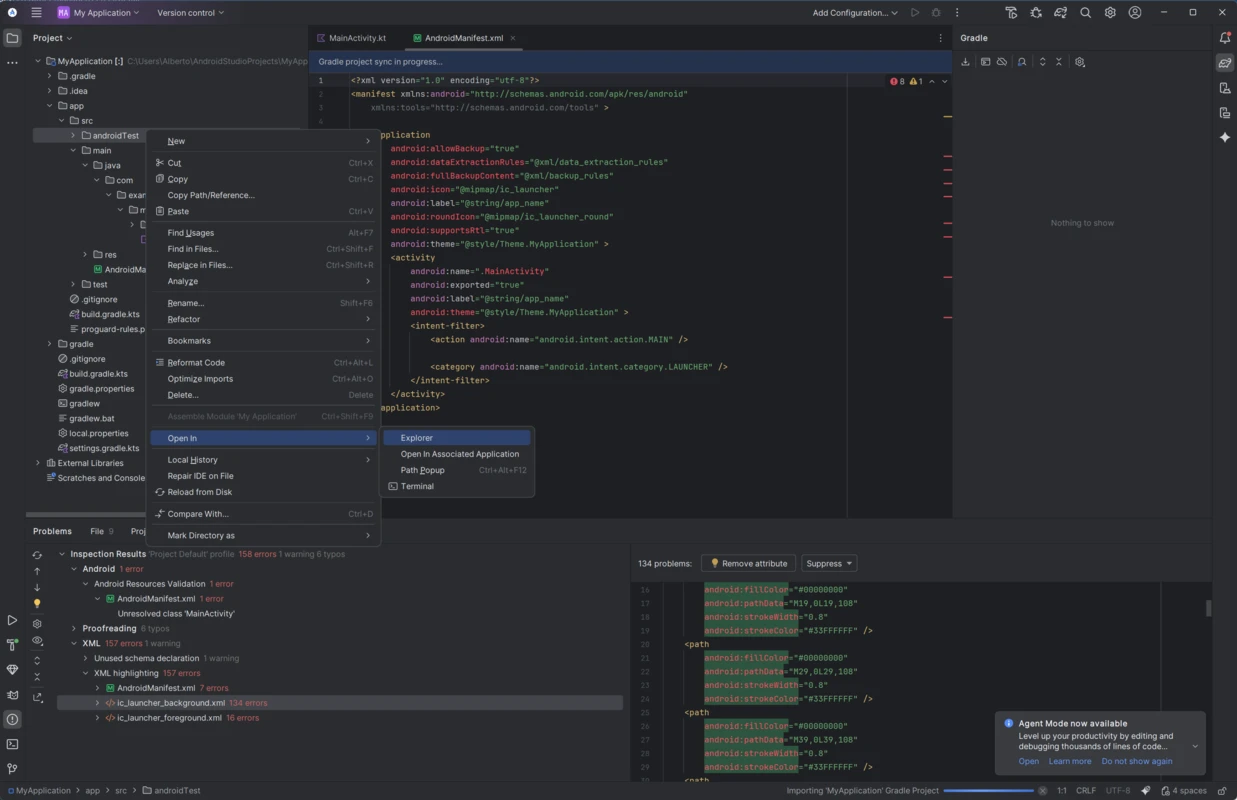
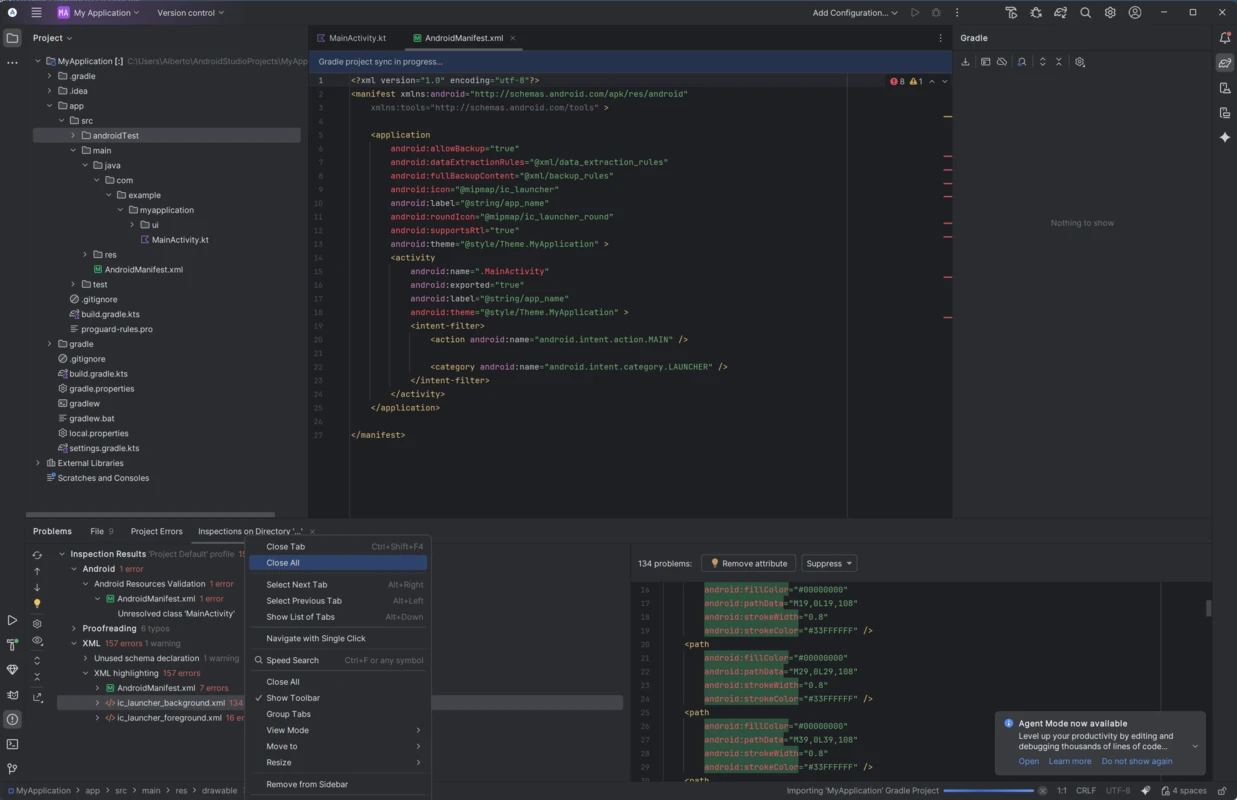
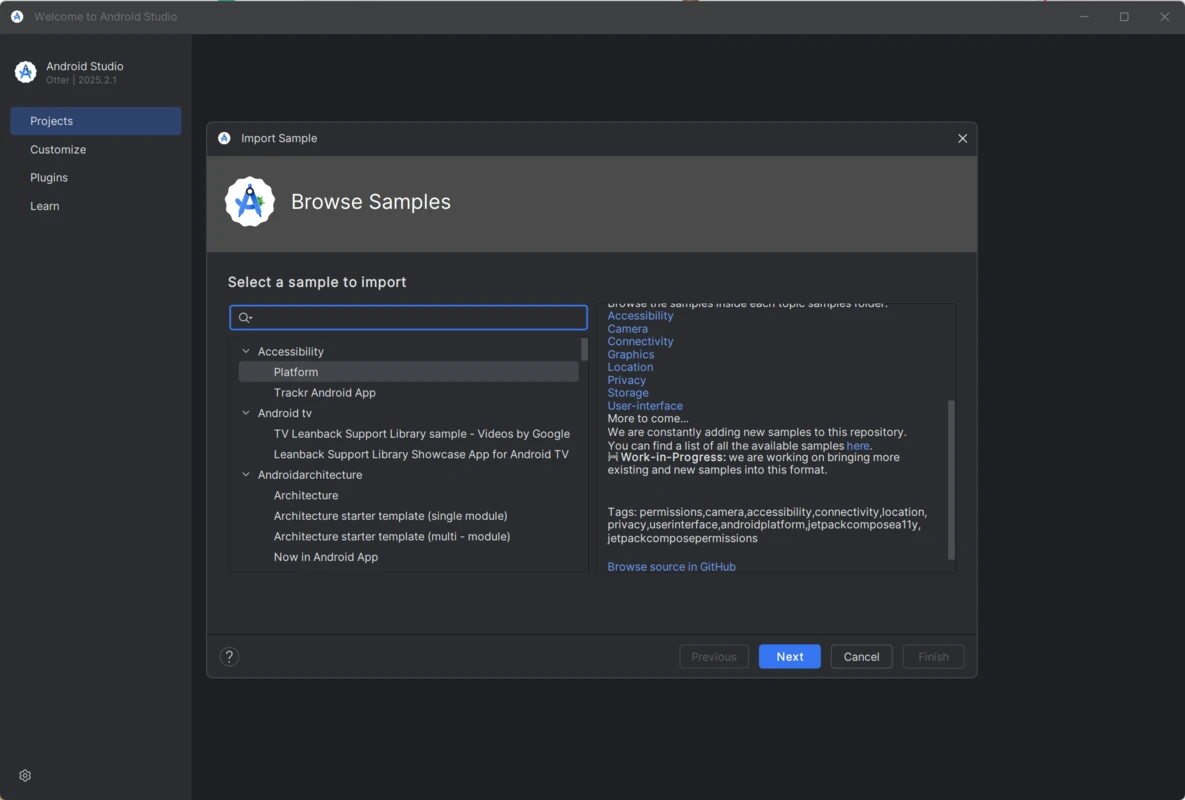
Additional captures from the local media folder showing editor layouts, tool windows, and typical Android Studio workflows. Click any image to enlarge.
Quality
Resource editors, test runners, and profilers round out the workflow. See the tools page for profiler and inspector details.
Vector drawable previews, adaptive icon tooling, and translation editors keep assets consistent across densities and locales.
Instrumented tests, unit tests, and screenshot workflows integrate with run configurations and Gradle tasks you already use.